













Bowling centers sell time on a lane, not a ticket at the door. That one difference shapes everything your software has to do, from the booking page to the front desk to the screens above each lane.
What bowling software needs to cover
Most bowling operations run on three systems that rarely talk to each other: an online booking tool, a point of sale at the front desk and the scoring system on the lanes. Each one works on its own. The problems show up between them, when a lane is double-booked, a group pays twice or the desk can’t see which lane frees up next.
When you compare options, start from the guest’s path: book a lane, check in, rent shoes, order food, play, pay. Every handoff in that path is a place where the wrong software costs you time.
Booking: sell lanes, not just tickets
Lane booking needs inventory that behaves like a lane: a fixed number per hour, a maximum number of bowlers per lane and the option to sell by game or by time. Look for live availability on your website, deposits for groups and parties, and the ability to hold lanes for leagues without blocking them by hand.
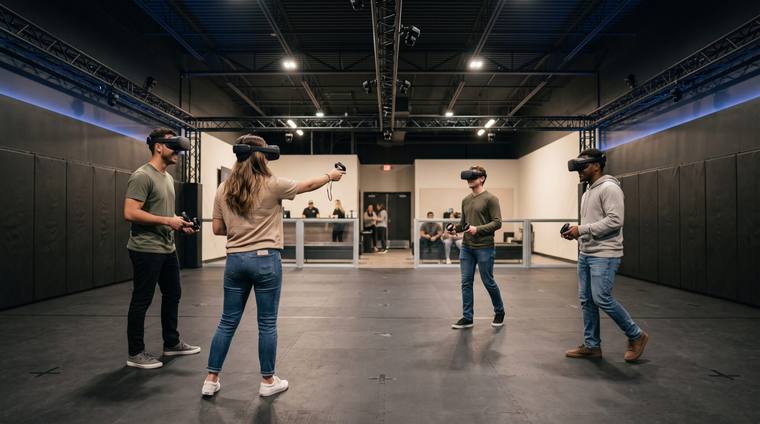
Running bowling next to other attractions? If guests also play arcade, laser tag or mini golf, make sure the same booking can include all of them, on one guest record.
POS: one order for lanes, shoes and food
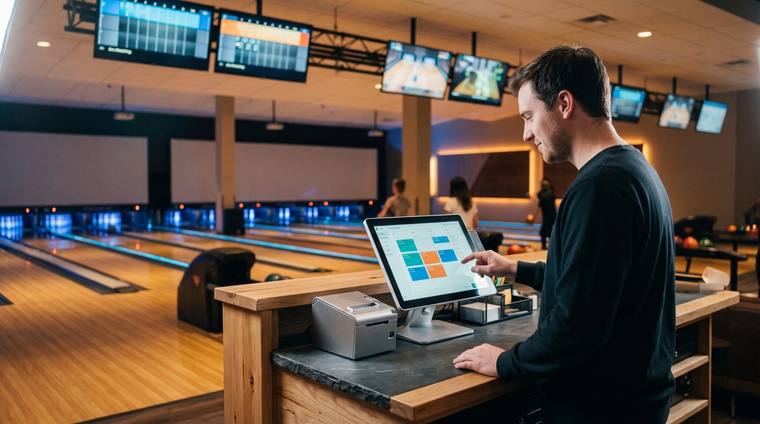
The front desk is where a slow system shows. A bowling POS should open a lane, add shoe rental and food to the same order, and let the group pay together or split at the end. Ask how long it takes a new staff member to learn it, and how it handles your busiest Saturday night.
“The best bowling setups don’t ask staff to switch screens. The lane, the order and the guest live in one place.”
Scoring: connect, don’t replace
Most centers already have a scoring system they trust. Your management software should connect to it, opening and closing lanes from the desk and sending the right players to the right lane, rather than asking you to replace hardware that works.
How to compare your options
| What to check | What to ask | Why it matters |
|---|---|---|
| Lane inventory | Can I sell by game and by time, with a cap per lane? | Prevents overbooking and empty lanes. |
| Groups & parties | Deposits, packages and split payments? | Parties are where bowling earns most per guest. |
| Front desk | Lane, shoes and F&B on one order? | Shorter lines at your busiest hour. |
| Scoring | Does it connect to my current system? | Avoids replacing hardware that works. |
| Reporting | Revenue per lane, per hour? | Shows which hours to price up or promote. |
Key takeaways
- Compare systems by the guest’s path, not by feature lists.
- Lane booking needs real lane inventory, with caps and deposits.
- The front desk should sell lanes, shoes and food in one order.
- Connect to your scoring system instead of replacing it.