












Digital waivers, signed before guests arrive.
Guests sign on their phone before the visit or at a kiosk on site. Your team sees the right, signed waiver at check-in.
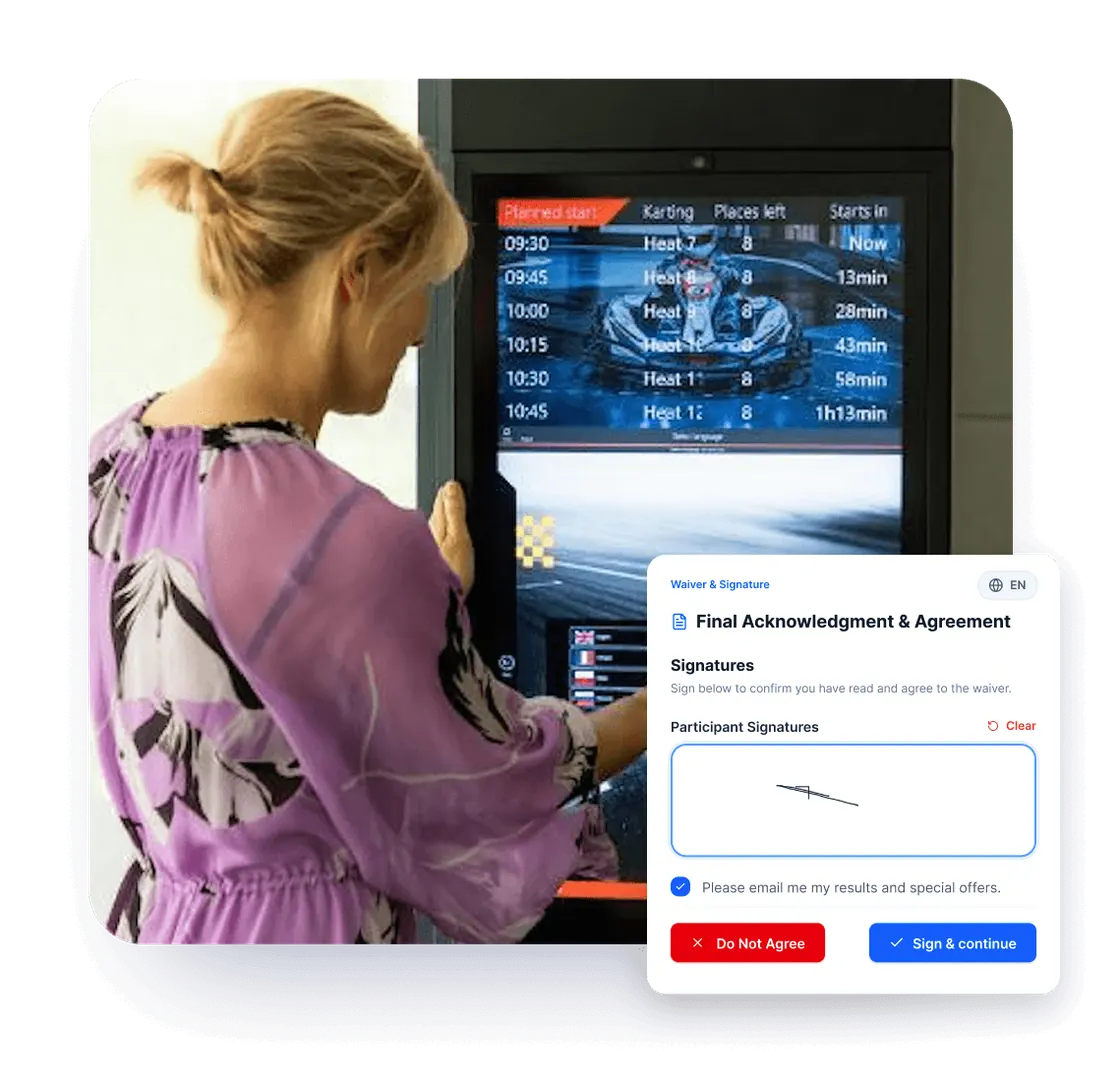
Every guest signs before they play.
On the phone before the visit, or during registration at the venue.
Set by activity, product or age, with expiry dates.
Bookings stay blocked until the right waiver is signed.
Waivers sit on the guest profile and work with access control.
Online, at a kiosk or reception, or by phone with your staff.
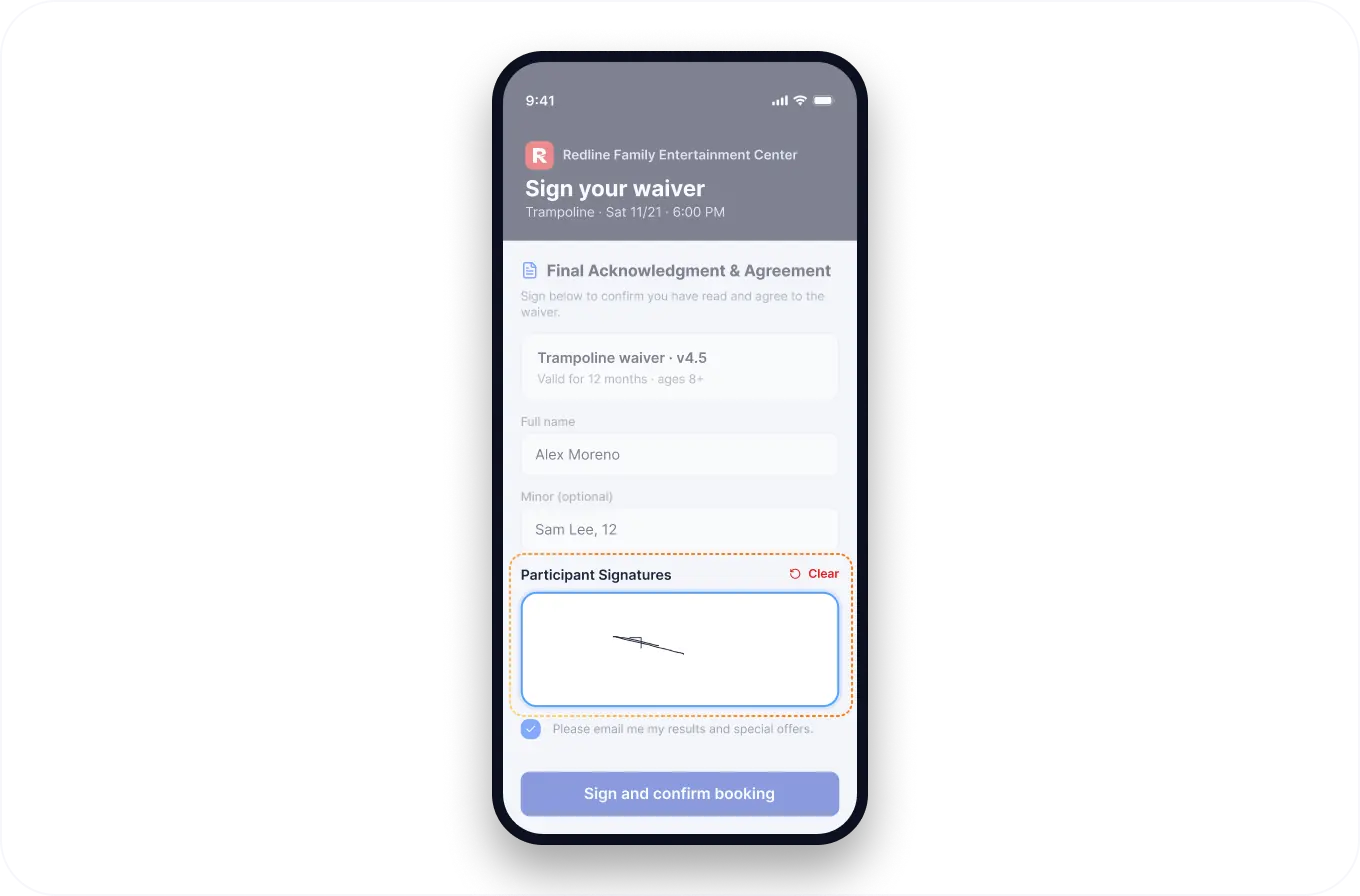
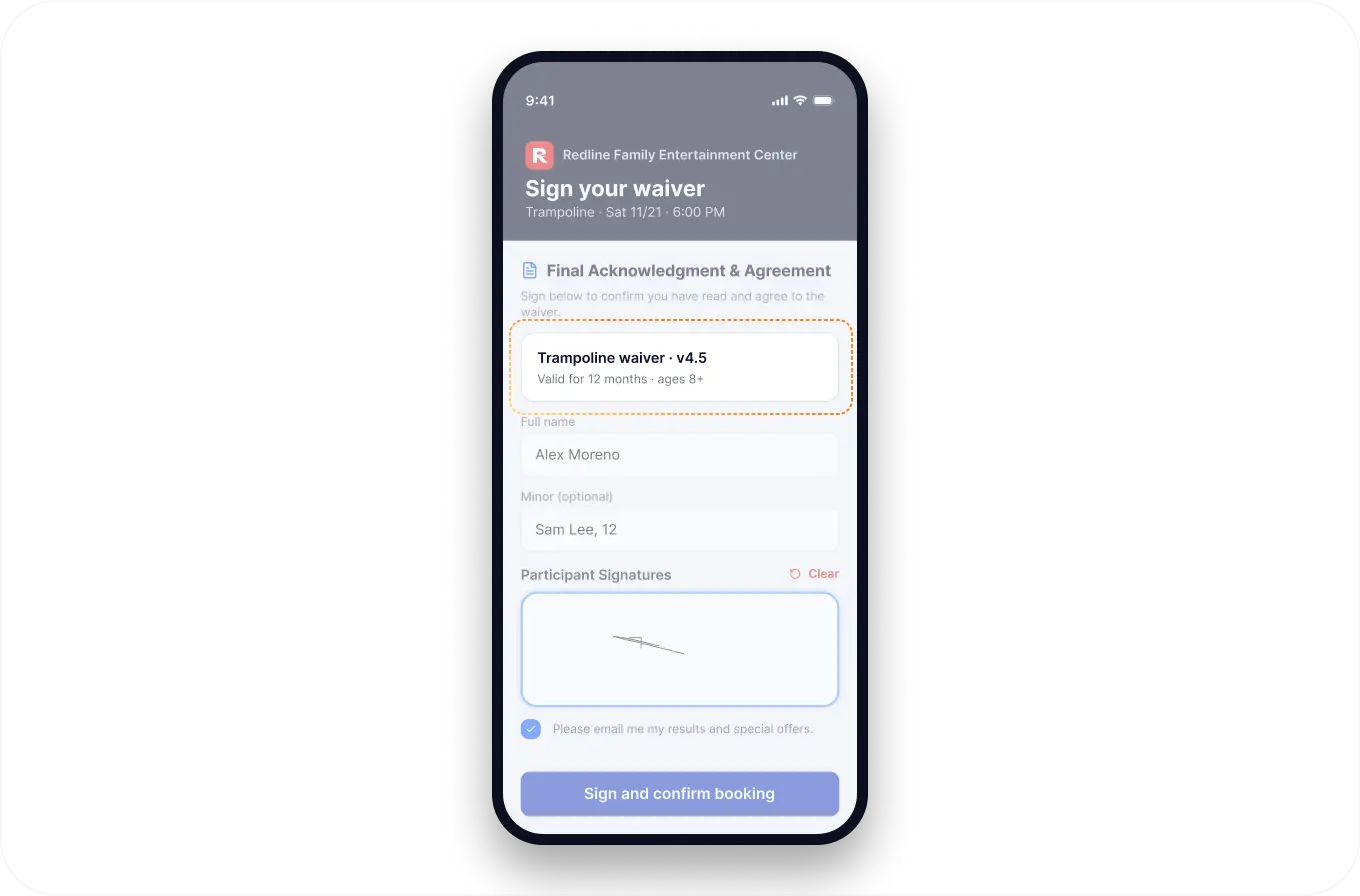
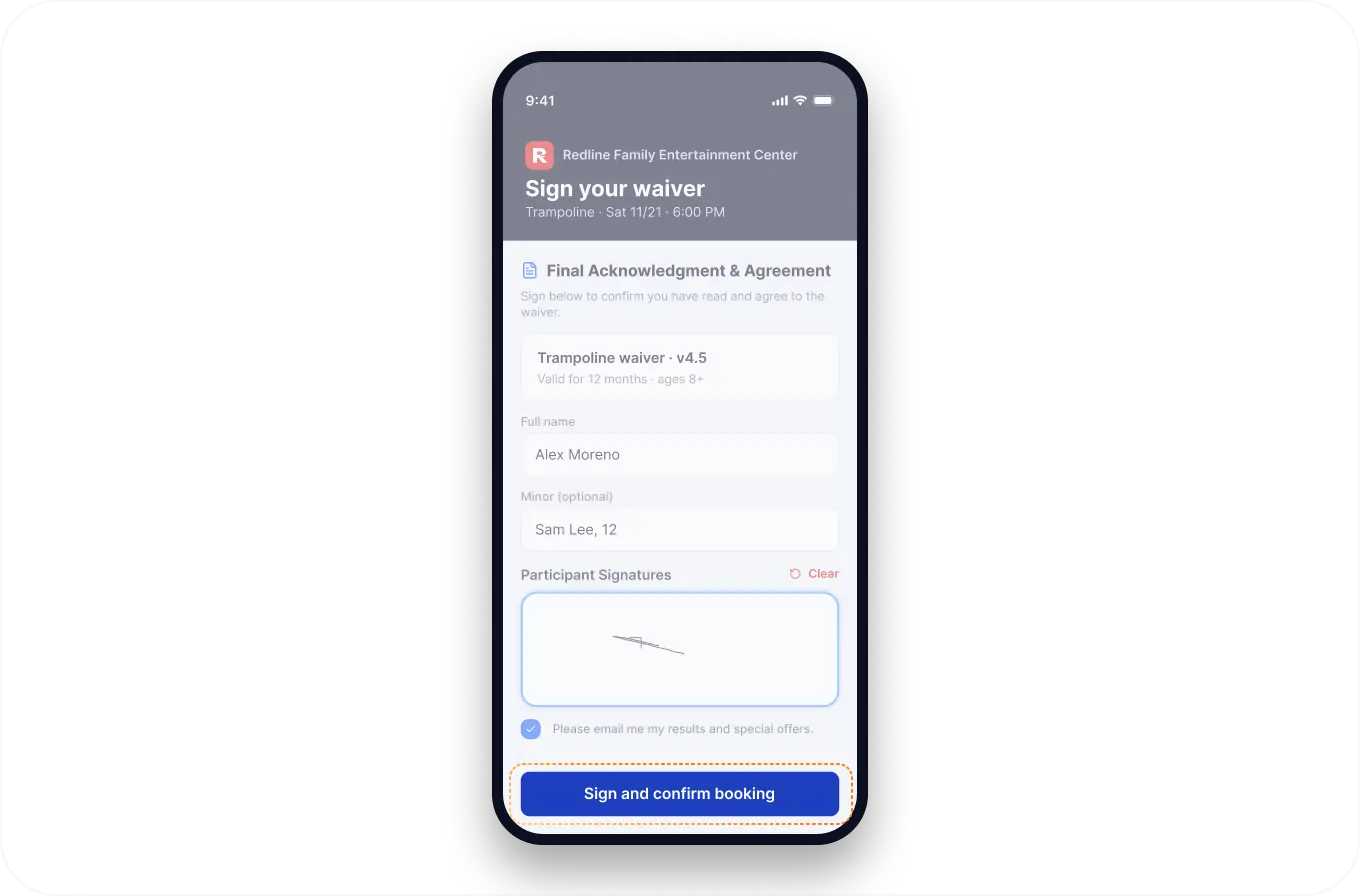
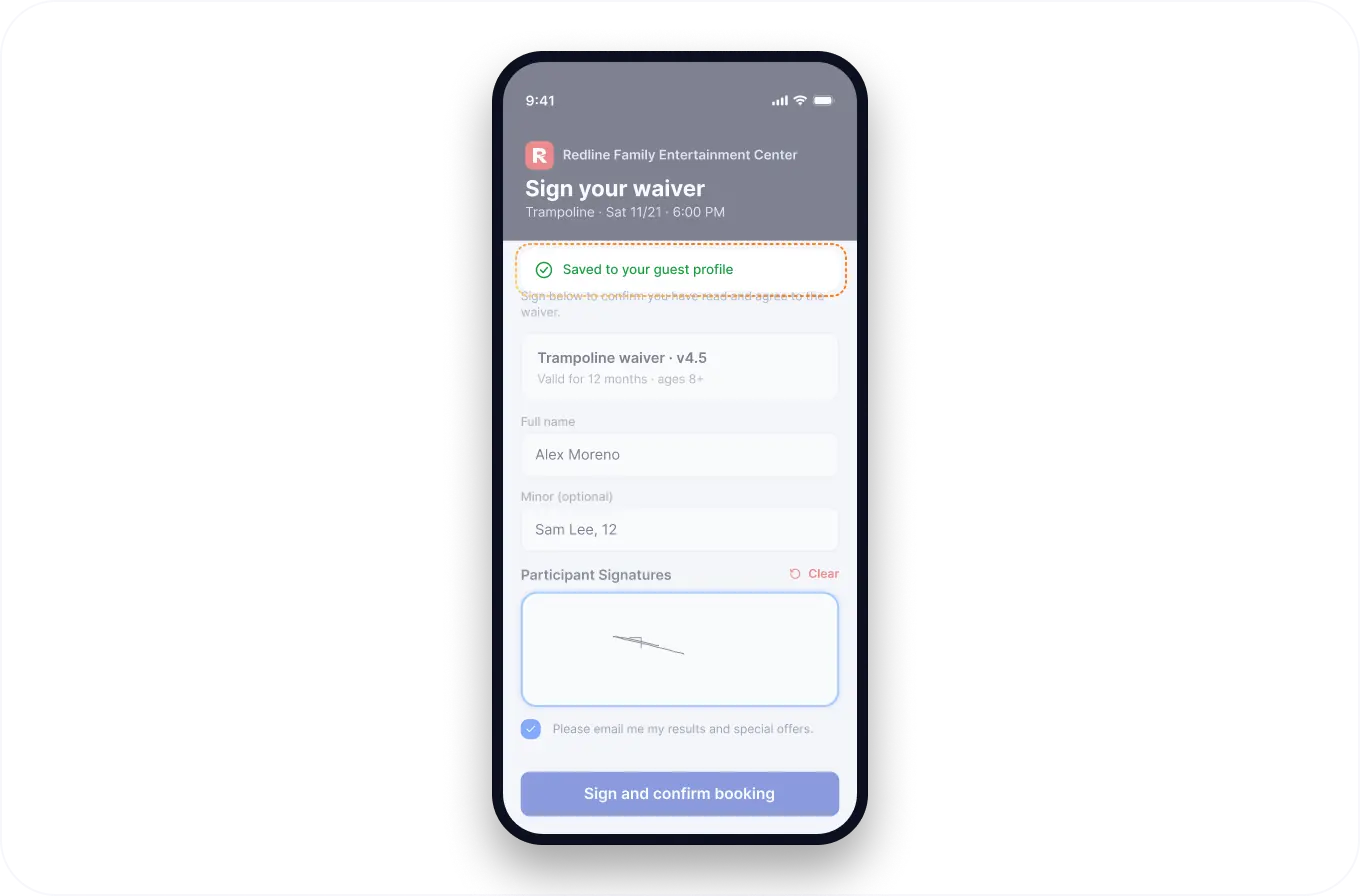
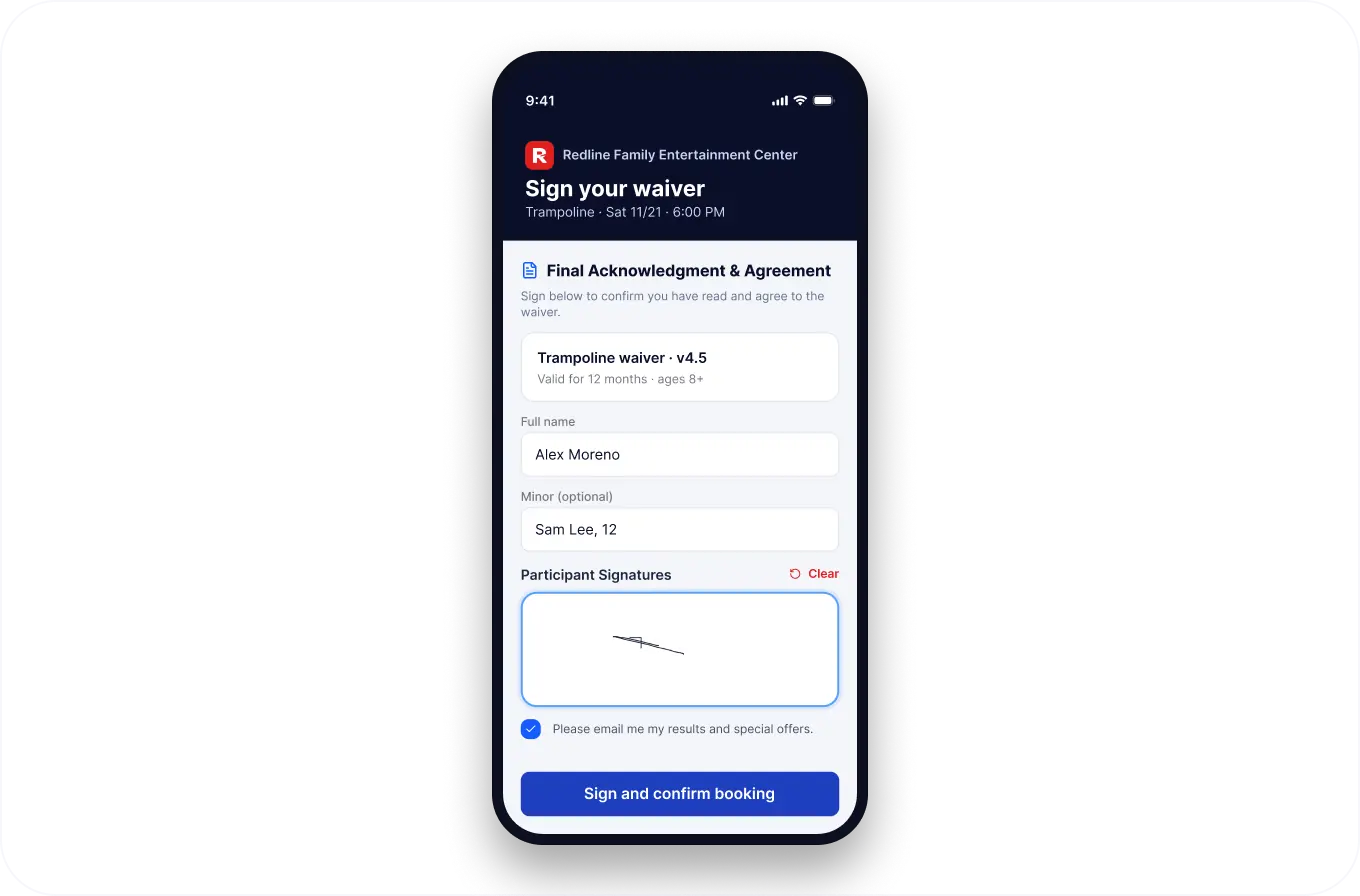
The waiver line disappears.
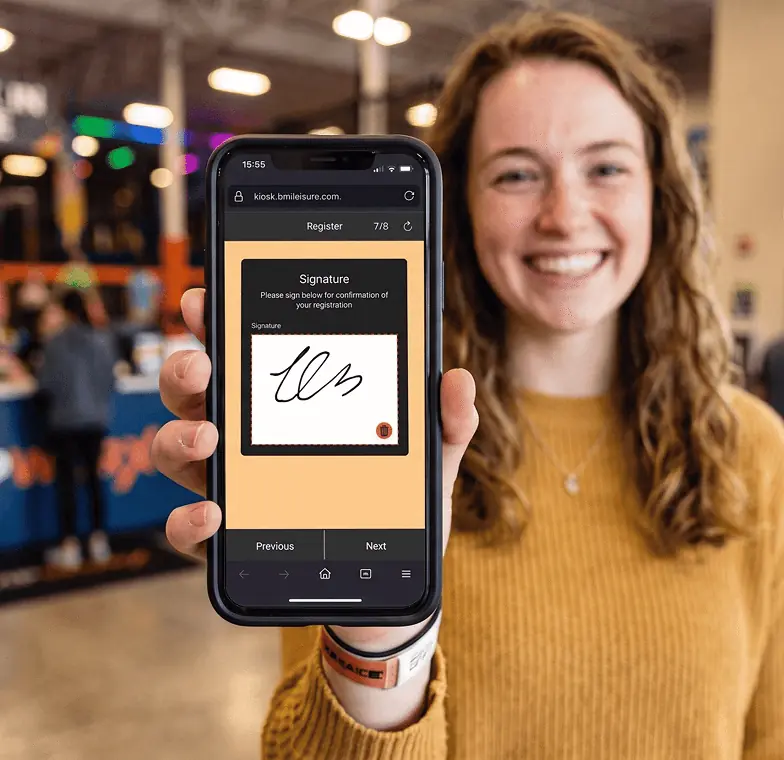
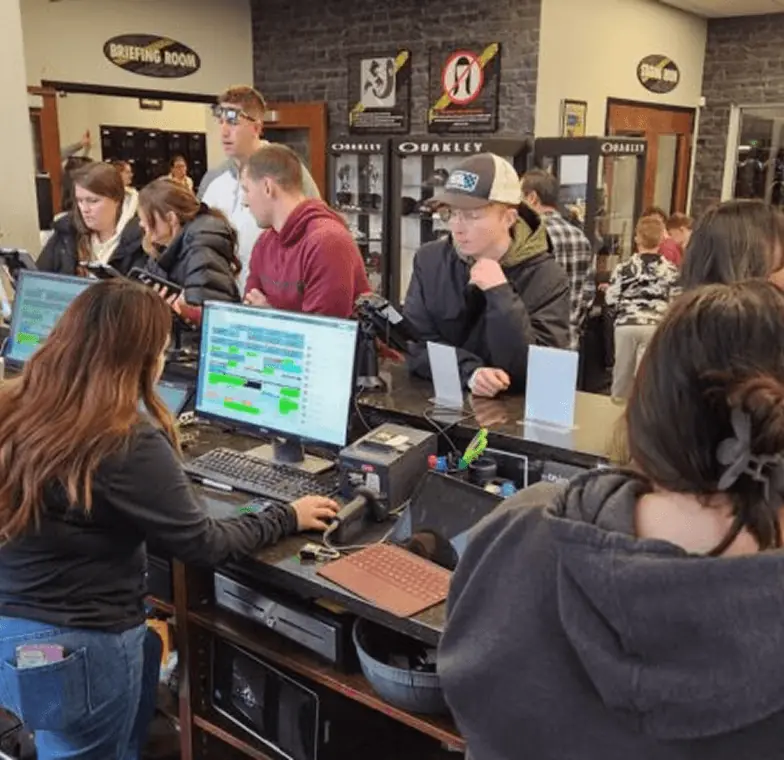

How it works.
By activity, product or age, with expiry dates.
Online with the booking or at a kiosk.
Staff see the signed waiver on the guest profile.
Works with.
See all features →Online Booking
Guests book and pay online, any time.
Learn more →SellSelf-Service Kiosk
Let guests book, sign and pay on their own.
Learn more →OperateCapacity Management
Full sessions, never overbooked.
Learn more →OperateWristbands
Access control and payments on the wrist.
Learn more → NewStarting a new venue?Venuit is the cloud platform from BMI Leisure.Meet Venuit →
Questions about Waivers.
Can guests sign before they arrive?
Yes. Guests sign on their phone with the booking, or during registration at the venue.
Can a parent sign for minors?
Waivers are assigned by age, so the right waiver is used for each guest. We will show you the setup for minors in your demo.
Where are signed waivers stored?
On the guest profile, where staff can see them at check-in and access control can check them.
Do waivers expire?
You can set expiry dates, and guests are asked to sign again when a waiver is no longer valid.
Explore more features
See all features →
Guests book and pay online, any time.

Tickets, food and extras in seconds.

Guests book, sign and pay on their own.
Every party in one place.
Your venue in your guests’ pocket.

Sell the next visit before it happens.
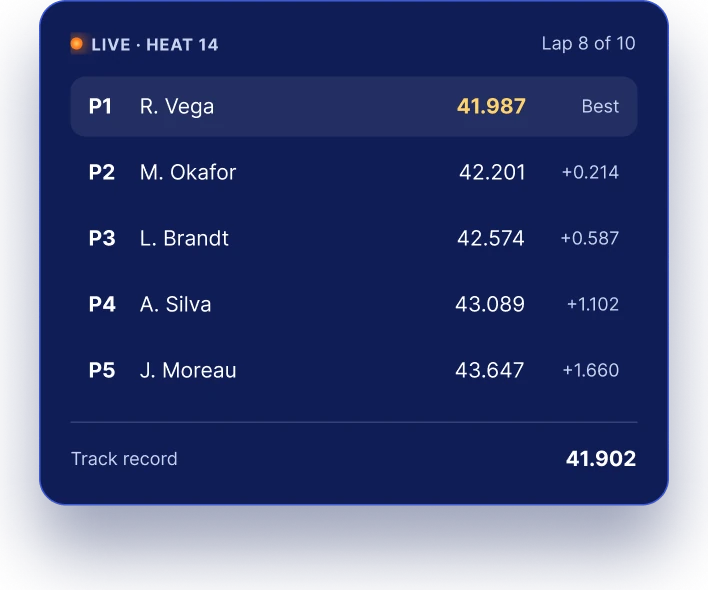
Every heat on time.

Full sessions, never overbooked.

Entry, session time and payments.
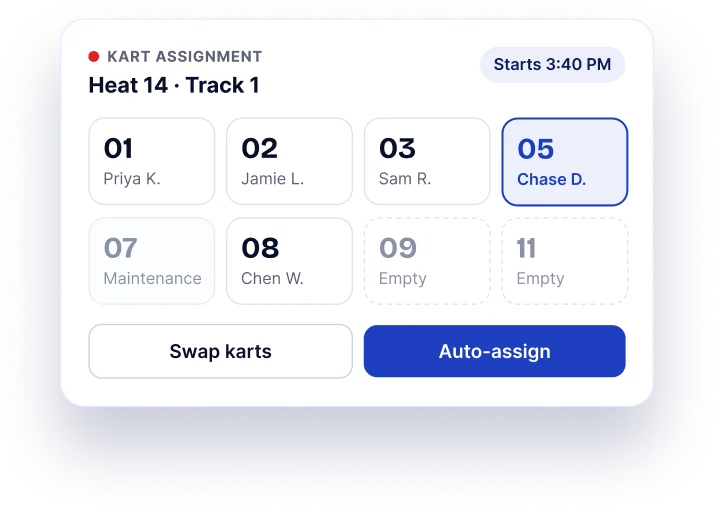
Run the track from your hand.
Turn every visit into the next booking.
One card for every game.
Orders go straight to the kitchen.
What sells, when and to whom.
The reports you check every morning.
Central control, local days.

See Waivers in your venue.
A 30-minute walkthrough built around how your venue operates. No scripted pitch.
Book a demo